
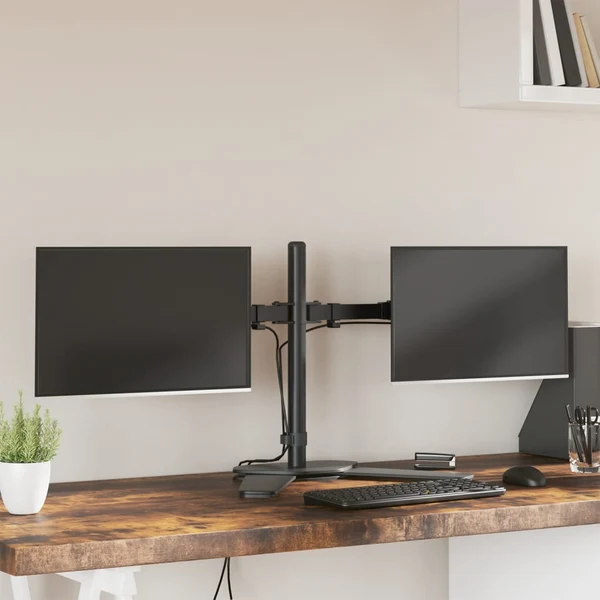
Dual Monitor Stand in Black Steel with VESA 75/100 mm
£73.99 incl. VAT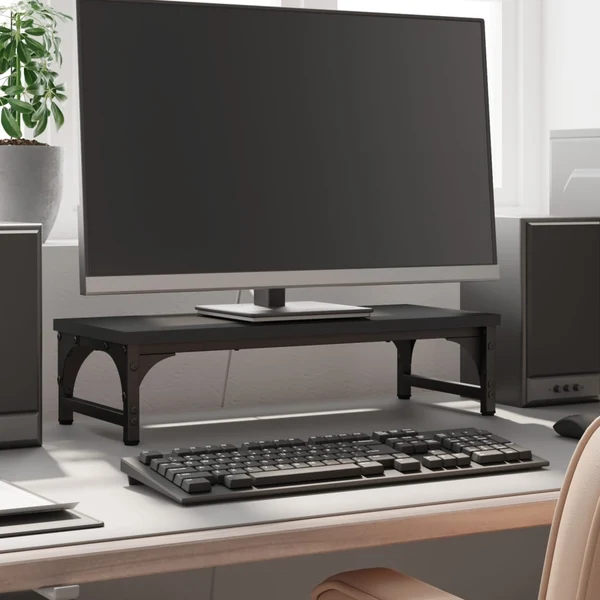
Black Engineered Wood Monitor Stand, 55 x 23 x 14 cm
£50.99 incl. VAT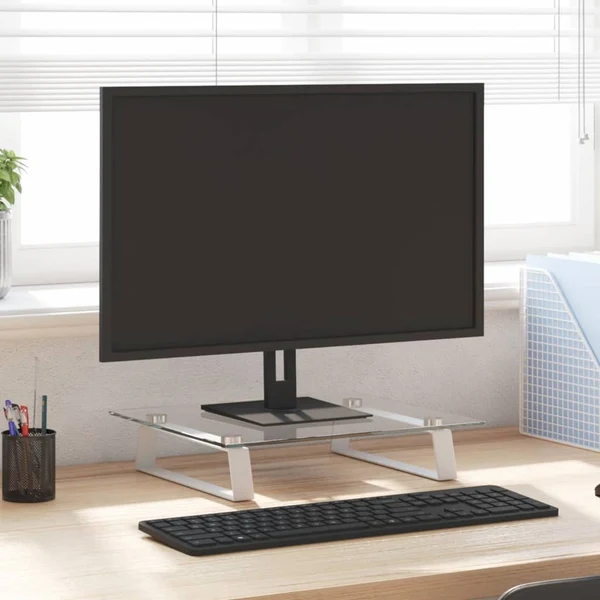
White Monitor Stand, 40 x 35 x 8 cm, Tempered Glass and Metal
£39.99 incl. VAT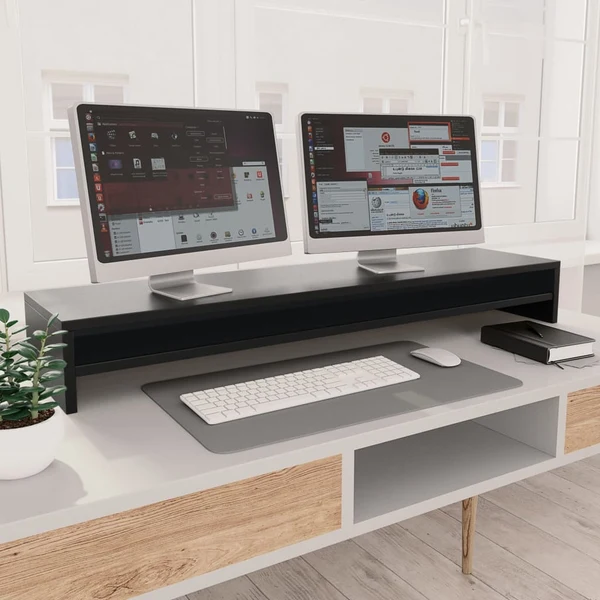
Black Engineered Wood Monitor Stand with Shelf, 100 x 24 x 13 cm
£68.99 incl. VAT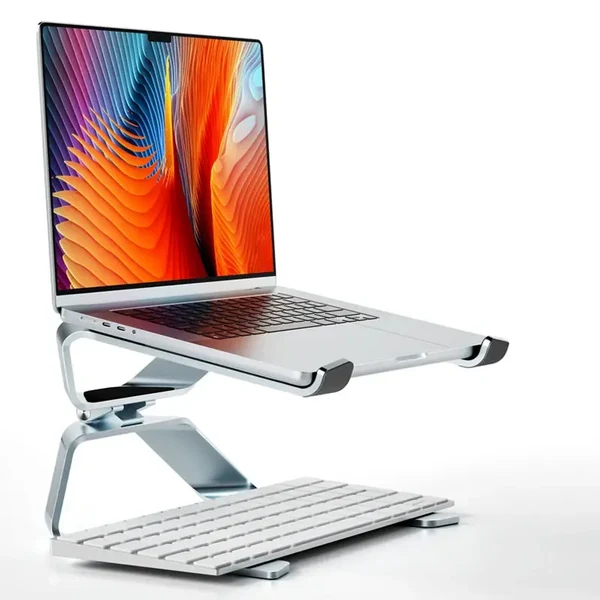
Adjustable Aluminium Alloy Laptop Stand, up to 17.3 in
£90.99 incl. VAT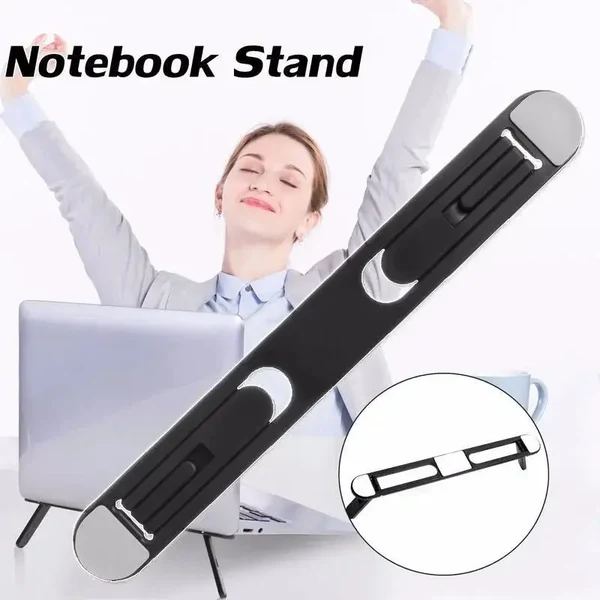
Foldable Laptop Stand for MacBook Pro and Air
£10.99 incl. VAT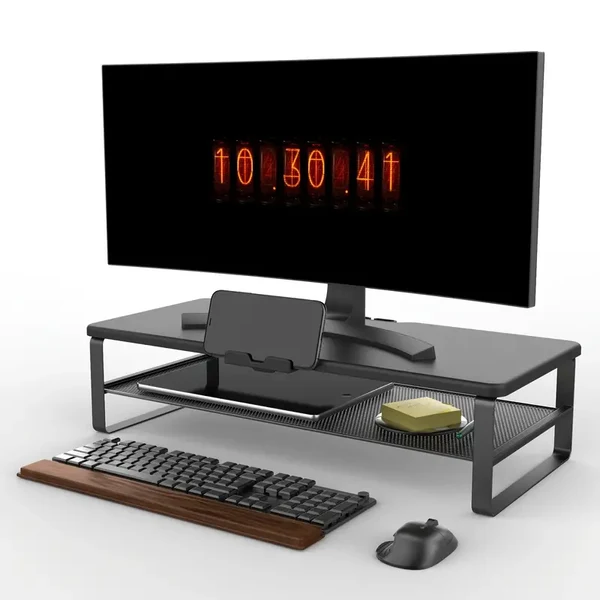
Dual-Level Monitor Stand with Drawer
£288.99 incl. VAT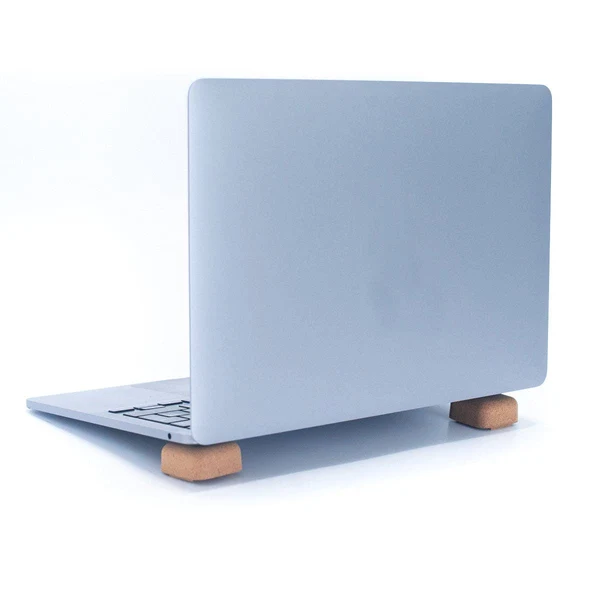
Laptop Stand with Magnetic Storage
£19.99 incl. VAT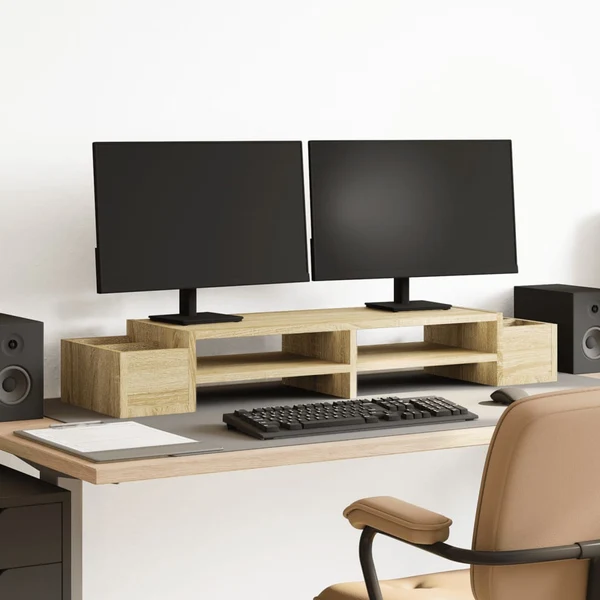
Sonoma Oak Monitor Stand with Storage, 100 x 27 x 15 cm
£60.99 incl. VAT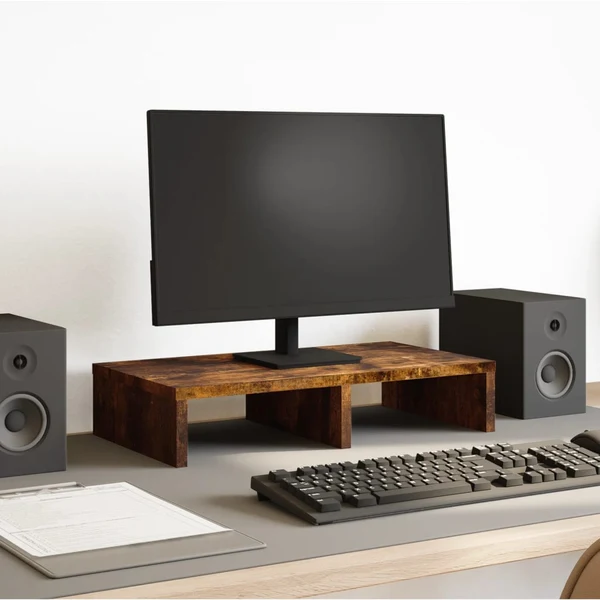
Smoked Oak Engineered Wood Monitor Stand, 50 x 27 x 10 cm
£50.99 incl. VAT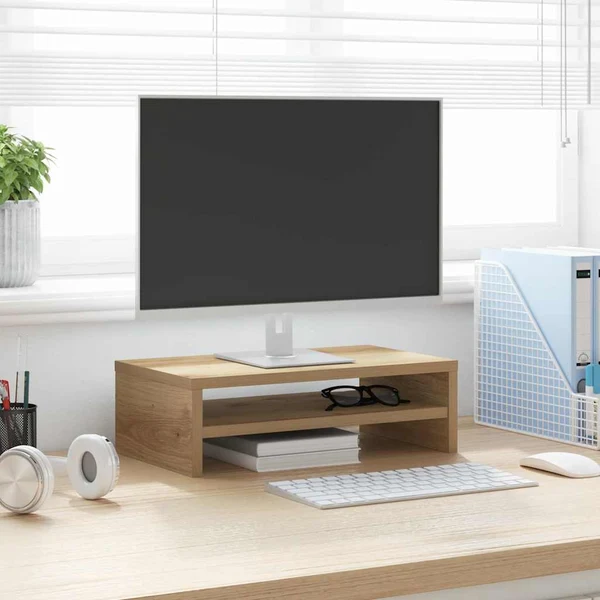
Artisan Oak Engineered Wood Monitor Stand, 42 x 24 x 13 cm
£47.99 incl. VAT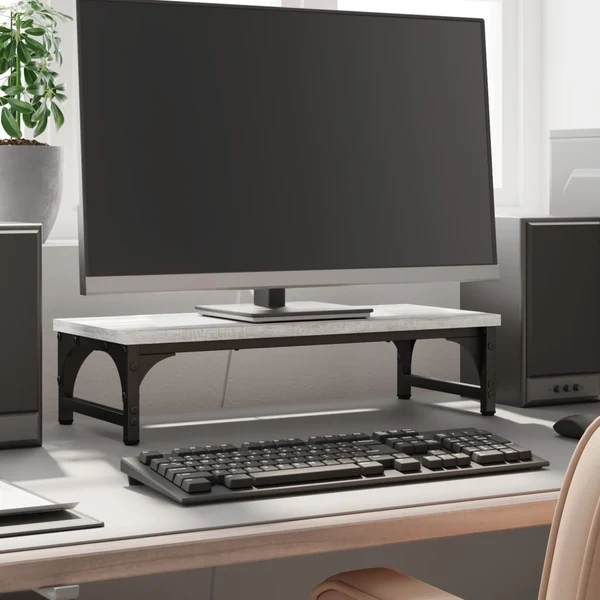
Grey Sonoma Monitor Stand, Engineered Wood, 55 x 23 x 14 cm
£44.99 incl. VAT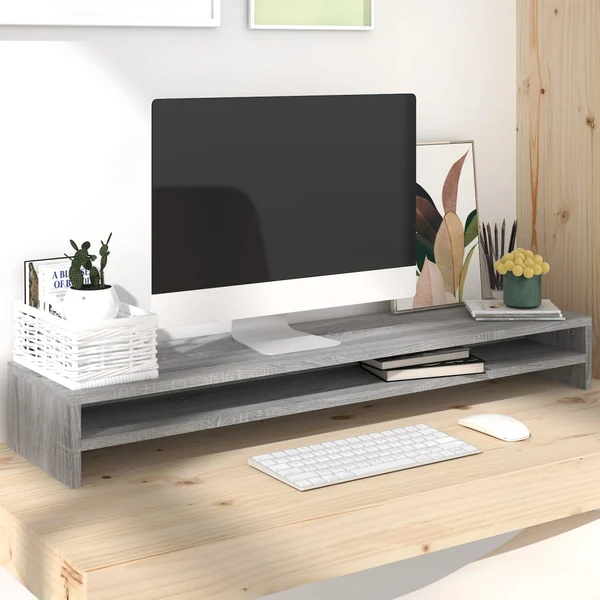
Grey Sonoma Monitor Stand in Engineered Wood
£63.99 incl. VAT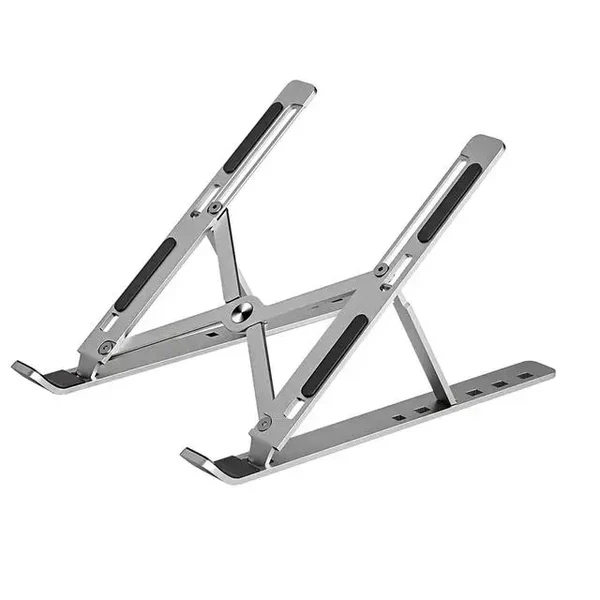
Portable Aluminium Laptop Stand with 6 Height Settings
£98.99 incl. VAT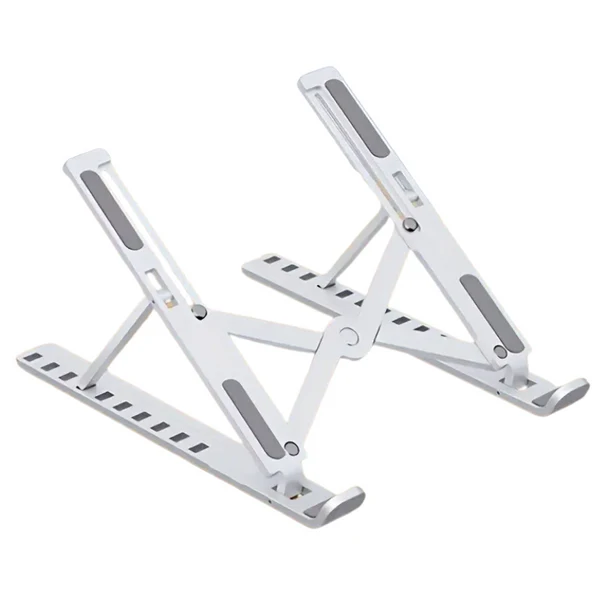
Adjustable Foldable Laptop Stand Desk Riser
£110.99 incl. VAT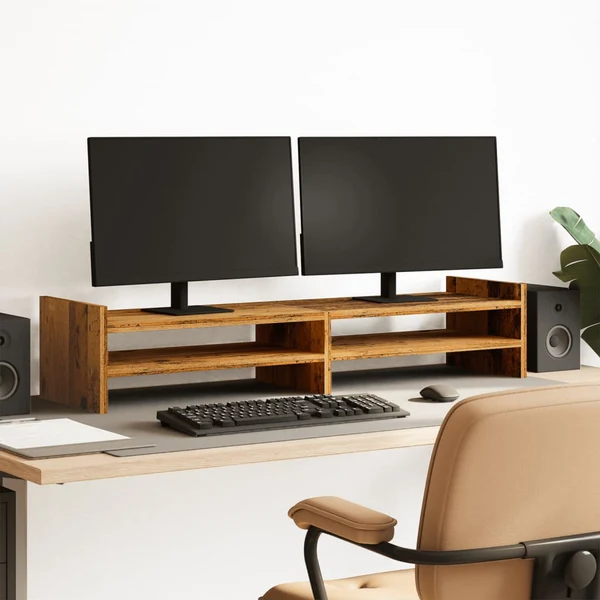
Old Wood Monitor Stand, Engineered Wood, 100 x 27 x 20 cm
£68.99 incl. VAT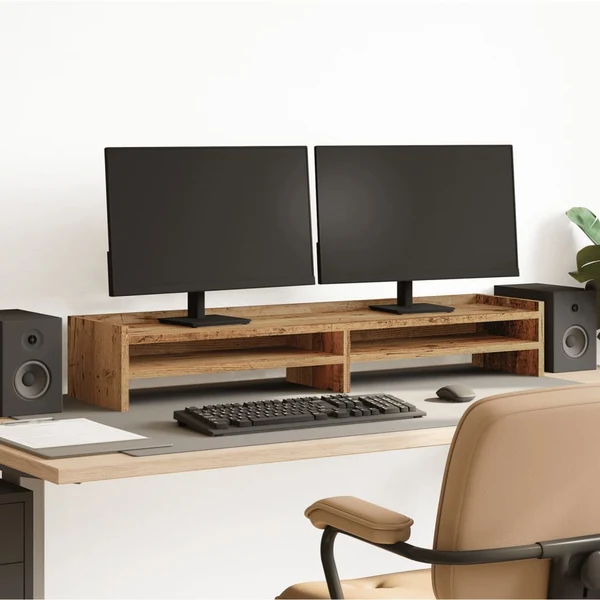
Monitor Stand in Old Wood, 100x24x16 cm
£60.99 incl. VAT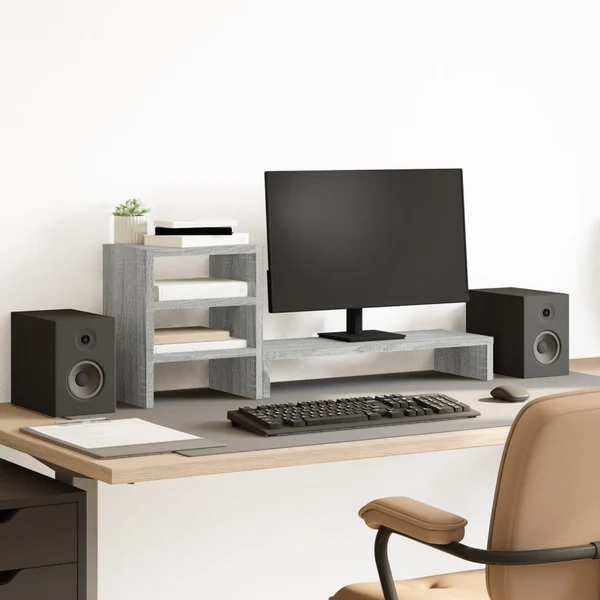
Monitor Stand with Desk Organiser, Grey Sonoma Engineered Wood
£47.99 incl. VAT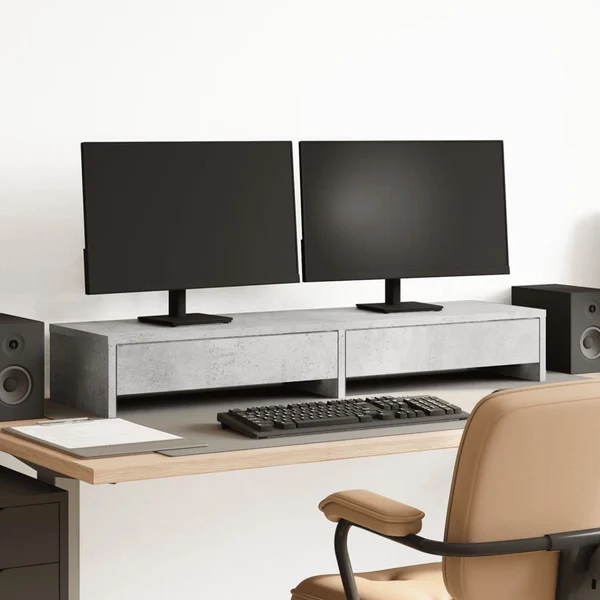
Concrete Grey Monitor Stand with 2 Drawers, 100 x 27 x 15 cm
£110.99 incl. VAT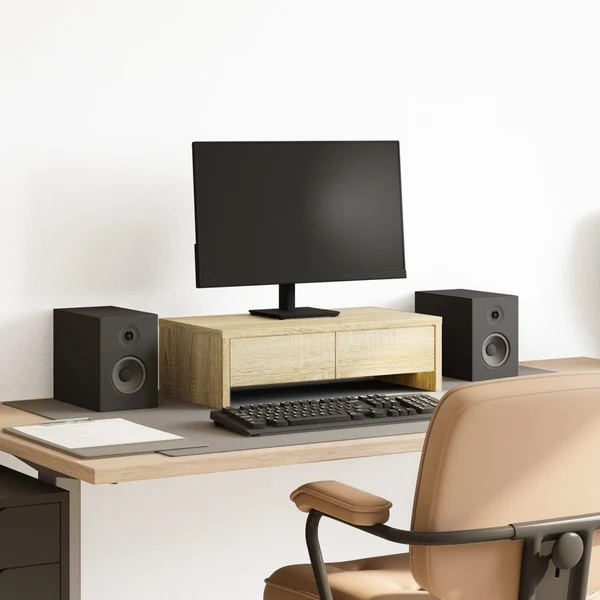
Sonoma Oak Monitor Stand with 2 Drawers, 50 x 27 x 15 cm
£73.99 incl. VAT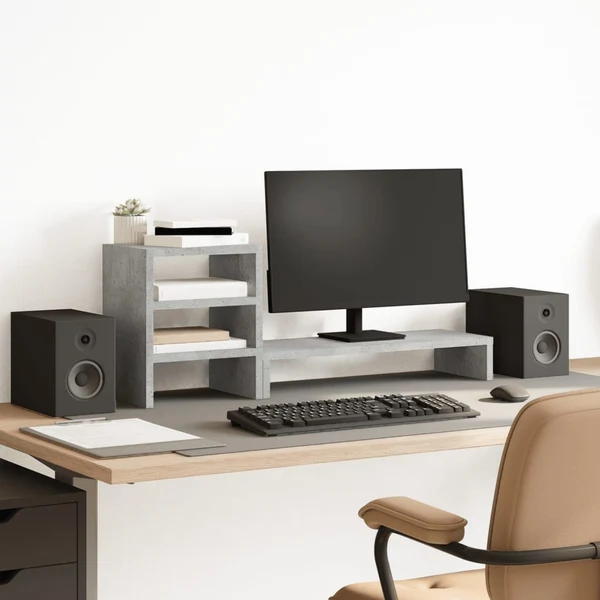
Concrete Grey Engineered Wood Monitor Stand with Desk Organiser
£47.99 incl. VAT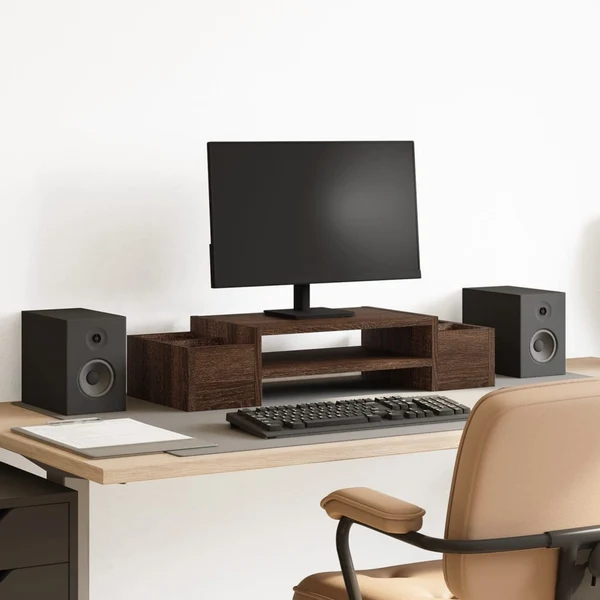
Brown Oak Monitor Stand with Storage, 70 x 27 x 15 cm
£65.99 incl. VAT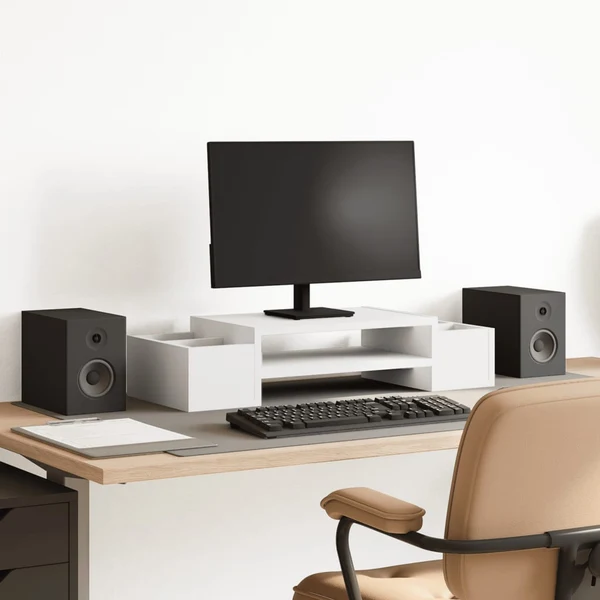
White Engineered Wood Monitor Stand with Storage, 70 x 27 x 15 cm
£52.99 incl. VAT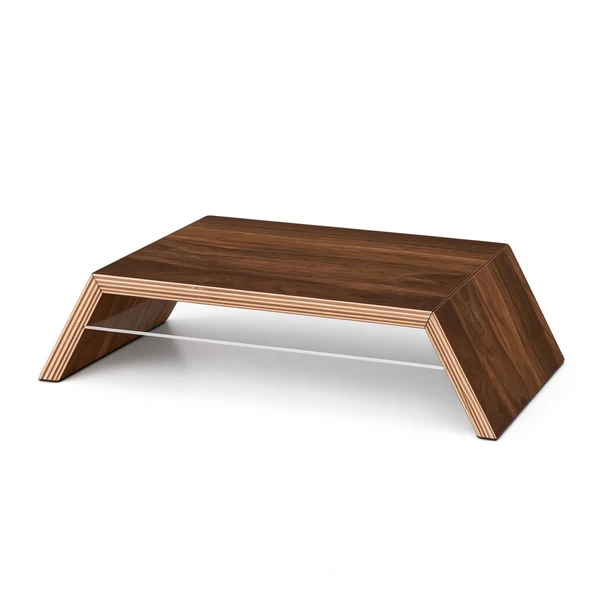
Black Walnut Monitor Stand Riser with Storage
£195.99 incl. VATCollections with products from this category
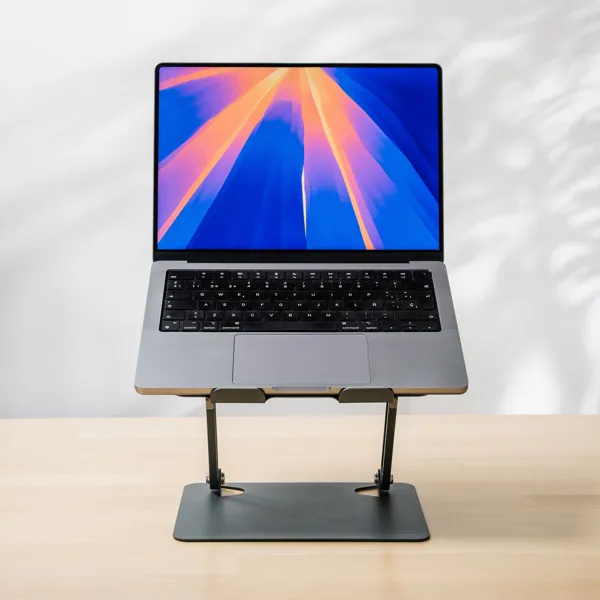
Lastan Folding and Adjustable Laptop Stand
£21.99 incl. VAT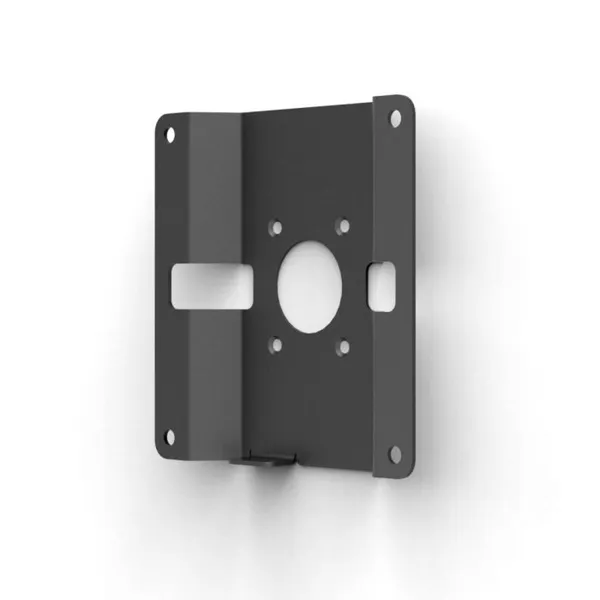
201M Black Tablet Mount
£21.99 incl. VAT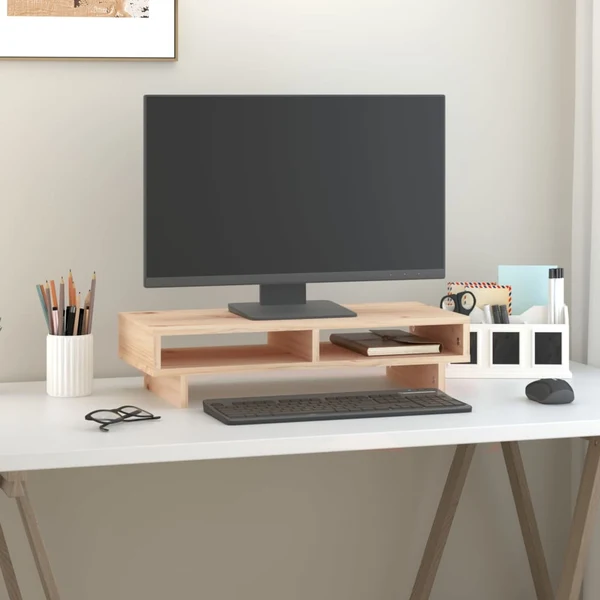
Solid Pine Monitor Stand, 60 x 27 x 14 cm
£55.99 incl. VAT
Monitor Mount Black Steel VESA 75/100 mm
£147.99 incl. VAT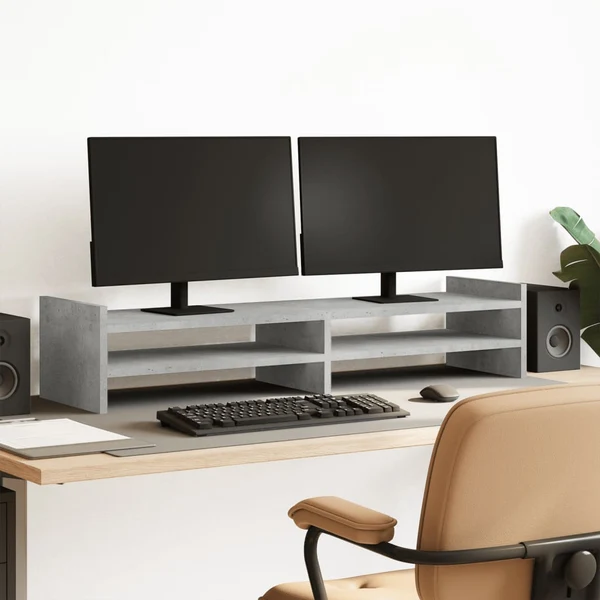
Monitor Stand 100 x 27 x 20 cm Engineered Wood
£55.99 incl. VAT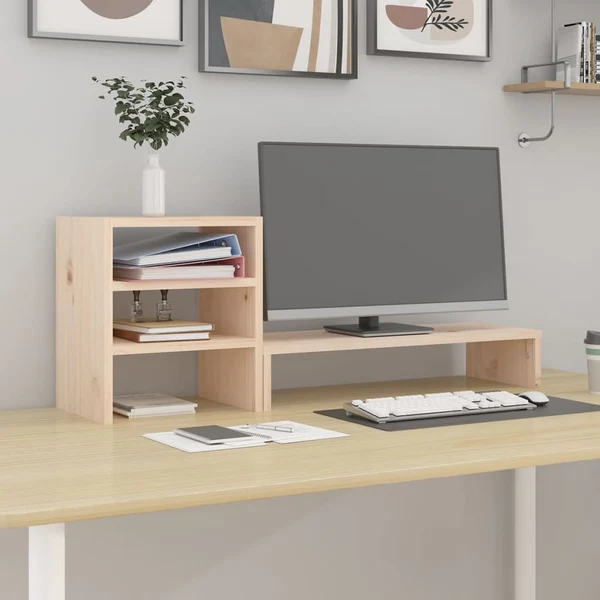
Solid Pine Monitor Stand, 81 x 20 x 30 cm
£60.99 incl. VAT
Folding Adjustable Laptop Stand, 7 Tilt Levels
£12.99 incl. VAT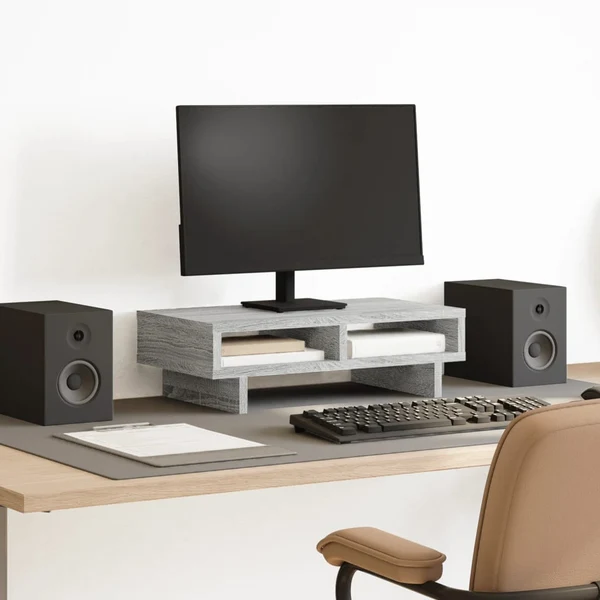
Monitor Stand 50 x 27 x 15 cm Engineered Wood
£47.99 incl. VATEvery brand in this category
How to choose
- VESA bolt spacing and load rating: Verify both the display weight and VESA mounting pattern before choosing a wall bracket or floor tripod.
- Screen aspect ratio and diagonal: Match widescreen or traditional projection fabrics to your projector native output and room throw distance.
- Control interface compatibility: Confirm whether your venue rig uses common DMX channels, ILDA interfaces, or app-based lighting control.
- Compare materials for feel, weight and care, and pick the one that fits your routine.
- Match colour and finish to what you already own so anything new fits in.
Frequently asked questions
When should I use a tripod stand instead of a wall TV mount?
Tripod stands work well for rented venues and rotating exhibitions, while wall brackets suit permanent retail signage.
What mounting details matter for dual monitor stands?
Confirm desk thickness for clamp fittings and ensure each monitor stays within the per-arm weight limit.
What should I check when replacing monitor stands?
When replacing monitor stands, note what worked and what did not with what you had before, then use that as a checklist for size, material and finish.